


Start a YouTube channel with AI without showing your face
Niche, script, voiceover, visuals, editing, publishing and monetization: the whole process in one guide. Whether you're starting from zero or already have experience and want a faster system.
Learn to use ChatGPT, Claude, CapCut, ElevenLabs and 15+ AI tools
You don't need a course that costs hundreds
Everything essential to build and automate a faceless channel fits in one clear, straight-to-the-point guide. No hours of filler, no subscriptions.
- Costs hundreds of euros
- Hours of video full of filler
- Weeks before you reach the practical part
- Often subscriptions or upsells
- Minimal price, one-time payment
- Only what you need to know, step by step
- Read it in an afternoon, apply it from day one
- Free tools whenever possible
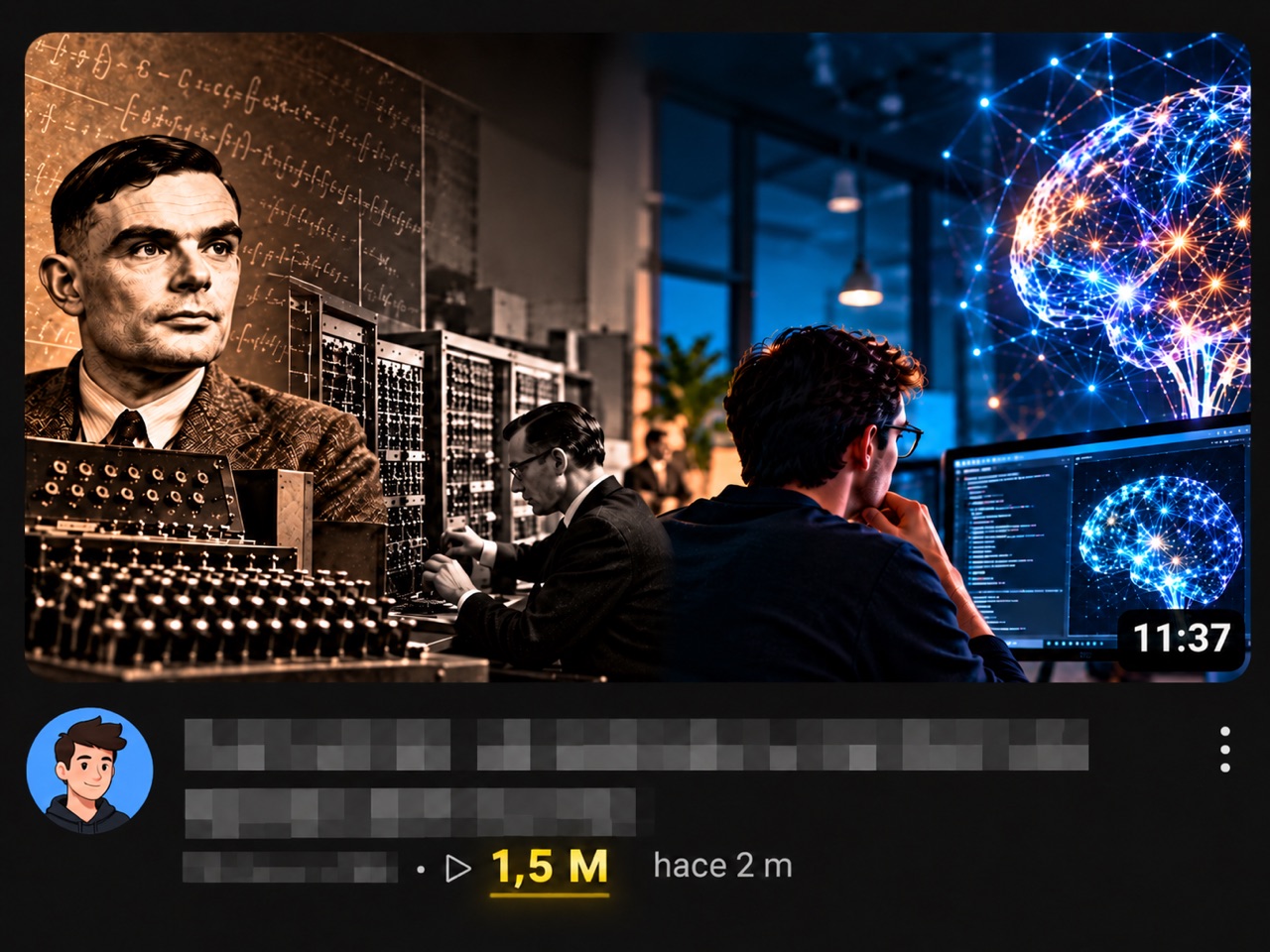
Professional-looking videos, no design skills needed
The guide shows you how to create every piece with AI: the script, the voiceover, the scenes, the animation and a thumbnail that earns the click.
The whole process, from idea to published video
Short chapters and a clickable table of contents to jump straight to what you need.
Mindset and expectations
The three rules of the game so you don't quit in the first month.
Niche and channel
How to validate a promising niche and set up your channel in 15 minutes.
Tool kit
15+ AI tools for scripts, images, voice, editing and animation.
Script and voice
A structure that keeps viewers watching and AI voices that sound natural.
Visuals and editing
From script to scenes, and step-by-step editing in CapCut.
Title, thumbnail and publishing
How to earn the click and publish without mistakes.
Automation
A weekly batch-production system and the metrics that matter.
Copyright and monetization
What material you can use and the real requirements to get paid.
30-day plan
Week by week, plus common mistakes and frequently asked questions.
Template appendix
Prompts to analyze viral videos, write scene-by-scene scripts, set a visual style and craft titles.
Practical and ready to use
AI tools
With direct links and the recommended option for each step, many of them free.
Copy-and-paste prompts
For scripts, scenes, images, titles and analyzing videos that work.
Day action plan
A concrete path from idea to a channel with its own system.
For any level
From scratch if you've never edited, or as a system to produce faster if you already have experience.
Get the guide today
Everything you need to get started, in a single payment.
- Complete PDF guide with clickable table of contents
- 15+ AI tools with direct links
- Ready-to-use prompts
- Publishing checklist and 30-day plan
- Templates to organize your videos
🔒 Secure payment by card, Apple Pay or Google Pay via Payhip.
You'll receive the download link by email instantly.
Your questions, answered
How do I get the guide?
As soon as your payment is complete, you'll receive an email with a link to download the PDF. You can also download it from the confirmation page.
What format is it in?
It's a PDF with a clickable table of contents: tap a chapter and jump right to it. Read it on your phone, tablet or computer.
Do I need any experience?
No. If you're starting from zero, it guides you step by step. If you already have experience, it works as a system and a reference of tools and prompts to produce faster.
Is it a course?
No. It's a practical PDF guide: the essentials, straight to the point and without filler, to read and apply at your own pace.
Do I have to pay for tools?
It's not required. You can start with the free versions of the recommended tools. If you choose a paid one, it's purchased separately.
Does it work for Shorts and long-form videos?
Yes. The method is the same; only the format (vertical or horizontal) and the script length change.
Is it a subscription?
No. It's a one-time payment, with no recurring fees or extra charges.
Your first video could be live this week
Everything you need to know, without expensive courses.